ImagesPerformance
How to Compress Images Without Losing Quality
Learn how to shrink JPG, PNG and WebP files without visible quality loss: resize first, choose the right format, tune quality and always compare the result.
4 min read
45 free tools · Browser-based · No sign-up
Free online tools for documents, images, calculations and everyday digital work. Simple to use, quick to access.
Files are processed in your browser and are not uploaded. No account needed.
01
A hand-picked place to start. Open one and get your result in seconds.
View all 45 toolsReduce the file size of a PDF by re-saving its pages at lower quality.
PDF Tools
02Reduce JPG, PNG and WebP file size in your browser. Nothing is uploaded.
Image Tools
03Resize a photo or signature to exact pixels and a maximum KB for forms.
Image Tools
04Turn JPG, PNG or WebP images into one PDF, with page size and margins.
PDF Tools
05Add or remove GST at 0%, 5%, 18%, 40% or any custom rate, with the CGST and SGST split.
Business Tools
06Work out the monthly EMI, total interest and repayment schedule for a loan.
Business Tools
07Create QR codes for links and text. Choose size and colours, download PNG.
Utility Tools
08Format, validate and minify JSON, with exact error locations. Runs in your browser.
Developer Tools
02
Seven categories, with every tool count taken from the live tool list.
Merge, split, compress, sign, edit and protect PDF files without uploading them.
16 toolsCompress and convert JPG, PNG and WebP images without uploading them.
6 toolsCalculate GST, profit margin, discounts and percentages accurately.
6 toolsCount words, compare texts, write Markdown and change letter case.
5 toolsGenerate QR codes and other handy everyday utilities.
2 toolsCheck meta titles and meta descriptions before you publish.
2 toolsFormat, compare, encode and inspect JSON, tokens, URLs and API specs in your browser.
8 tools03
Useful tools should be quick, clear and respectful of your files.
No trial period and no watermark on your results.
Open a tool and start. There are no accounts or email walls.
Clear steps and plain language, so you can finish the job without a manual.
PDF, image, business, text and developer tools with one consistent layout.
Files and text are processed in your browser and are not uploaded to our servers.
04
Three steps from question to result.
Search, or browse by category, to find the tool for your task.
Type your numbers, paste some text or drop in a file.
See the result on the page, then copy it or download your file.
05
Practical how-tos on images, PDFs, SEO and everyday business maths.
All articlesLearn how to shrink JPG, PNG and WebP files without visible quality loss: resize first, choose the right format, tune quality and always compare the result.
4 min read
WebP is a modern image format from Google that supports compression, transparency and animation. Learn how it works, when to use it and when to stay with JPG or PNG.
3 min read
Step-by-step guide to converting JPG photos to WebP in your browser, choosing a quality setting, checking the result and using the files on your website.
4 min read
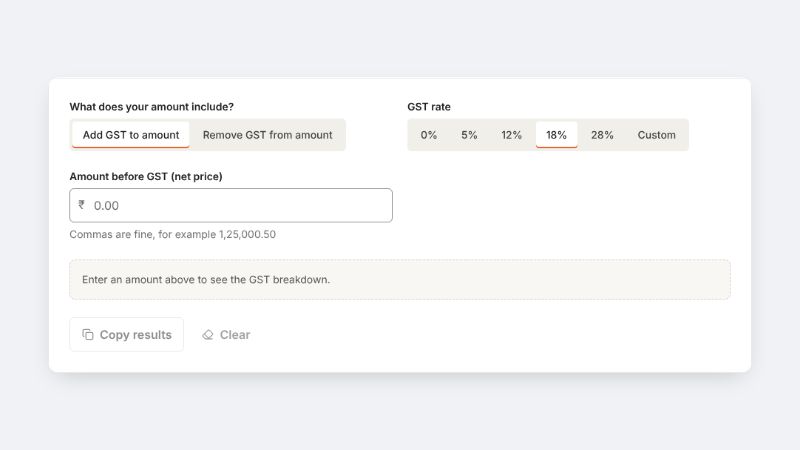
Learn how to add GST to a price and remove it from a GST-inclusive total, with worked examples, the CGST, SGST and IGST split and the mistakes to avoid.
5 min read
06
Yes. Every tool is free to use and needs no account. The site may show advertising in future to cover running costs, and we will always say so in our privacy policy.
No. Images, PDFs, text and code are processed in your own browser using built-in web technology. They are not sent to us or to anyone else.
No. There is no registration and no login. Open a tool and start.
Each tool page lists exactly what it accepts. In general, the image tools work with JPG, PNG and WebP, and the PDF tools work with standard PDF files. Password-protected PDFs can be opened if you know the password.
Any current version of Chrome, Edge, Firefox or Safari on a phone, tablet or computer. Very old browsers may not support every feature, such as WebP image output.
Money calculations use exact whole-paisa arithmetic, so results are precise. They are general tools, though, and not tax, legal or financial advice.
Use the contact page. Requests for new tools and bug reports are very welcome.